user-centred UI/UX design
Interfaces planned around the people who will use them — researched, wireframed, prototyped and designed screen by screen before development starts.
UI/UX Design
Design That Makes an App Easy to Use
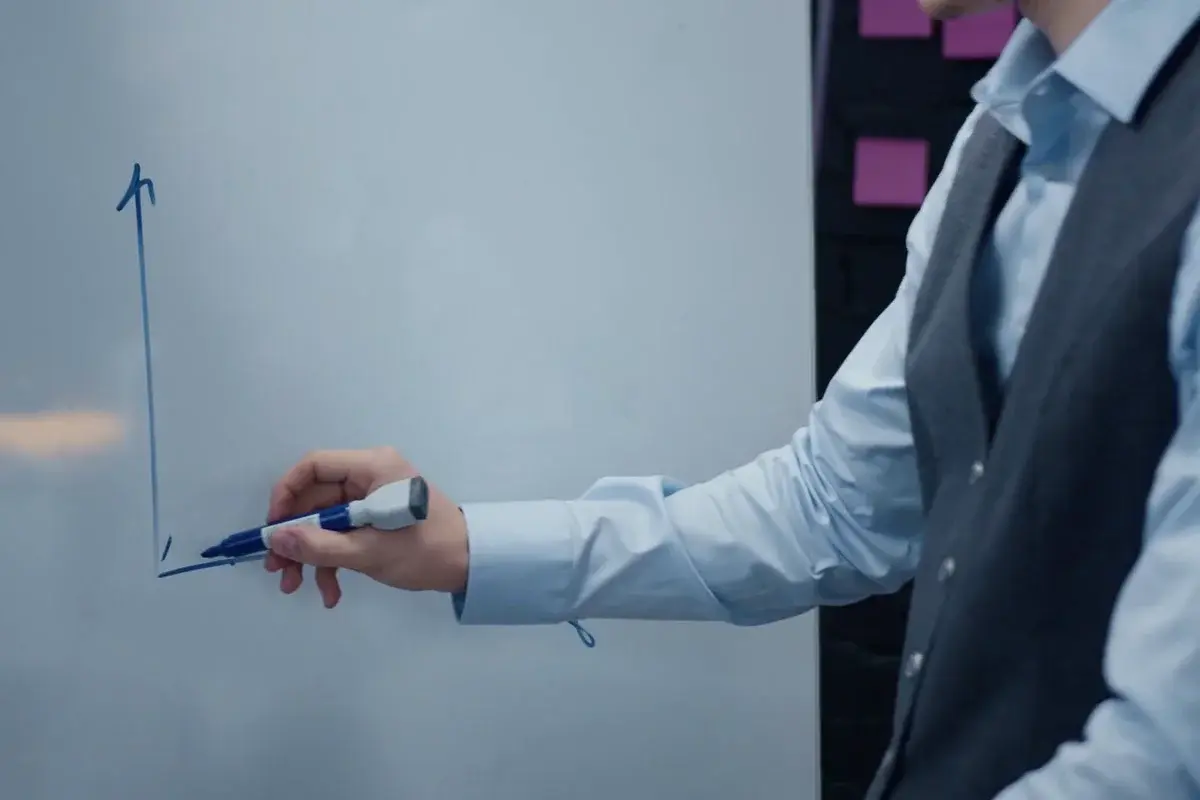
Good design starts before the first colour is chosen. We begin with who the app is for and what they need to get done, map their journey through it, and test the flow as wireframes while changes are still cheap.
Then we design every screen, build a clickable prototype you can try on your own phone, and hand the developers a design system rather than a folder of images — so the app that ships looks exactly like the one you approved.
What You Get
Key Design Features
Product Strategy
We agree what the product is for, who it serves and what the first version must do, so the design solves the right problem.
User Research
We study your users, your competitors and the apps your audience already uses, and design around what we find.
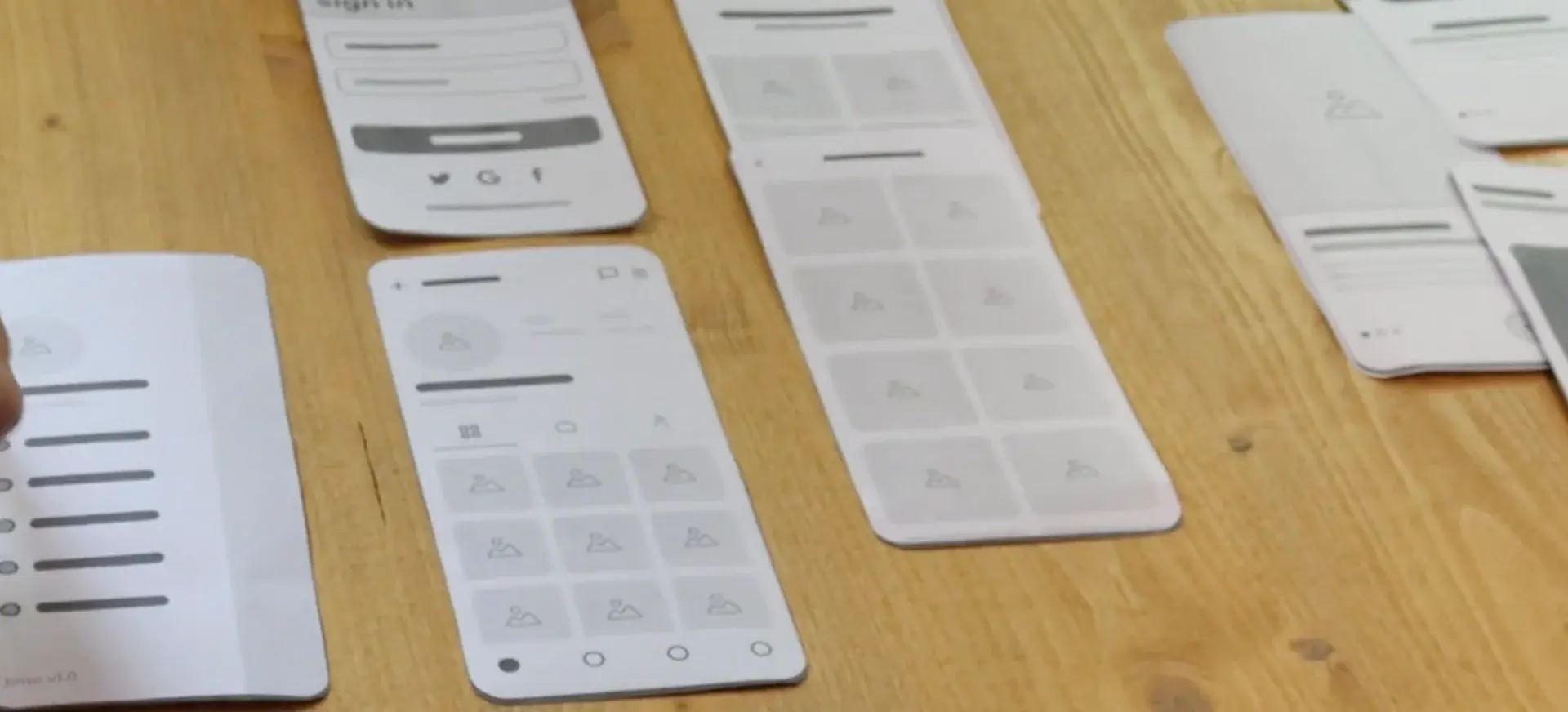
Wireframes
The whole journey in simple grey boxes first, so the flow can be tested and changed before any visual design begins.
Clickable Prototypes
A prototype you can tap through on your phone, to experience the app and share it with others before it is built.
Interface Design
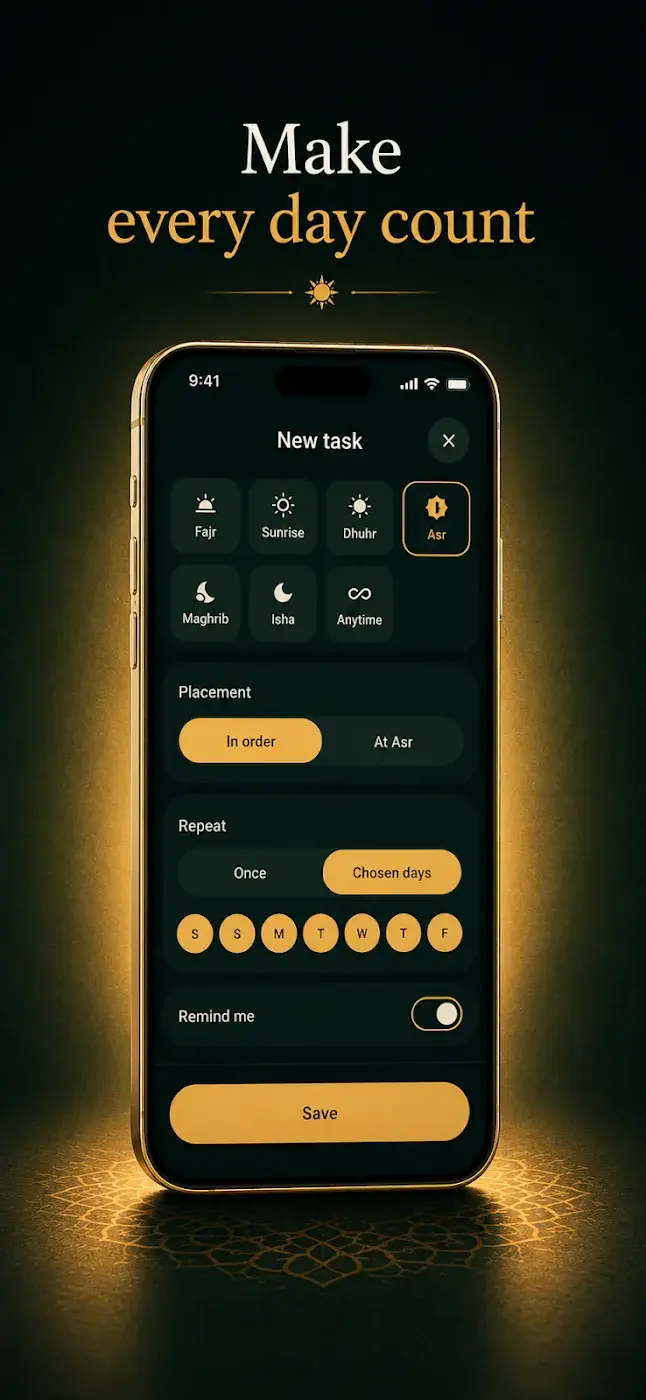
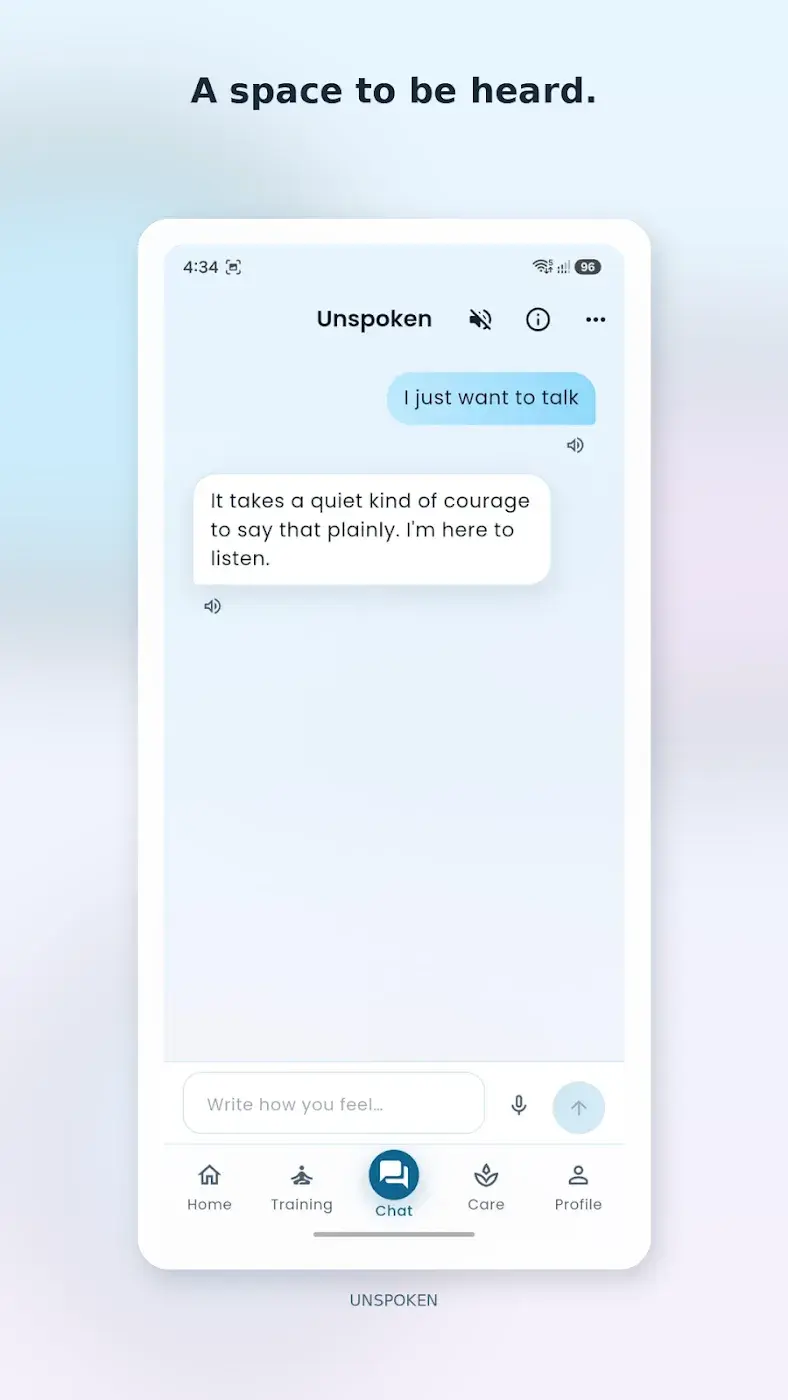
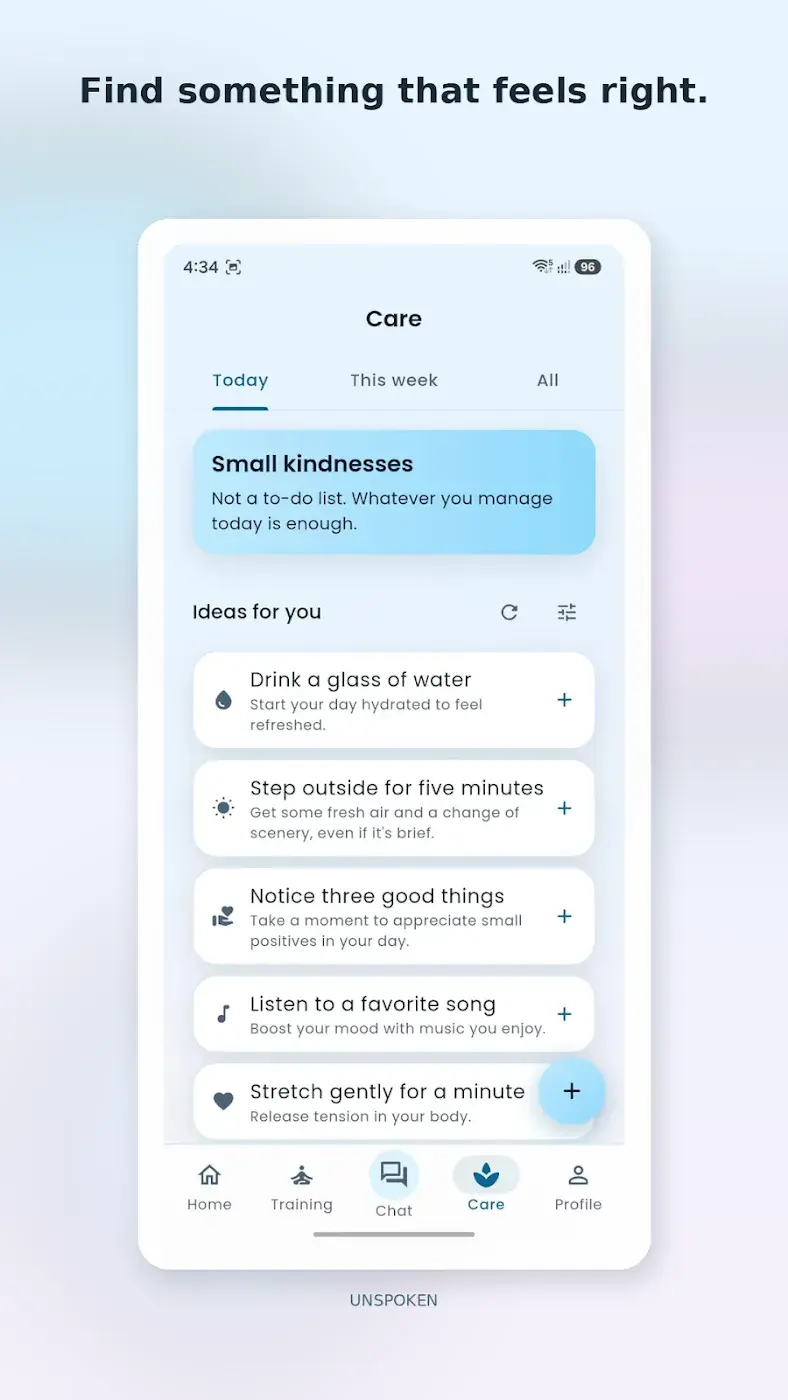
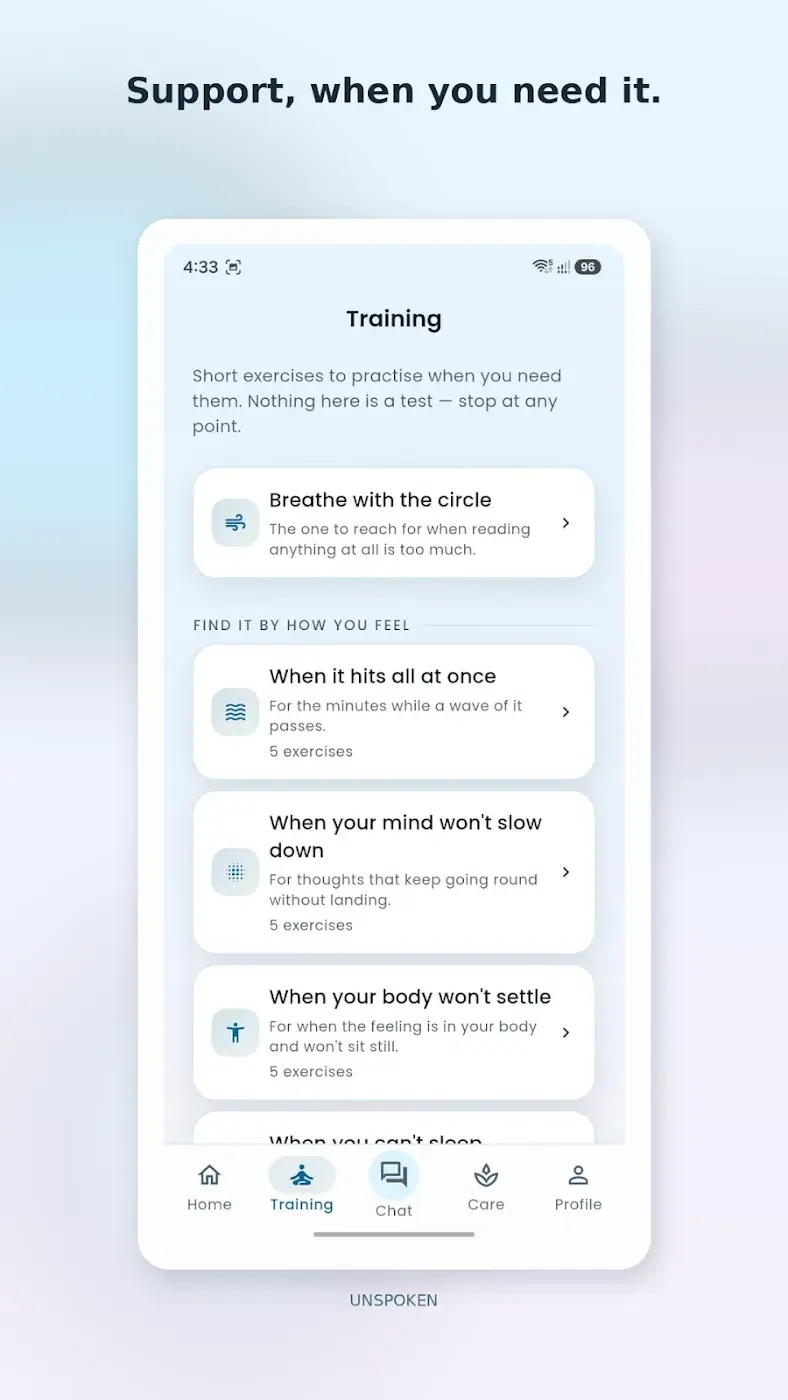
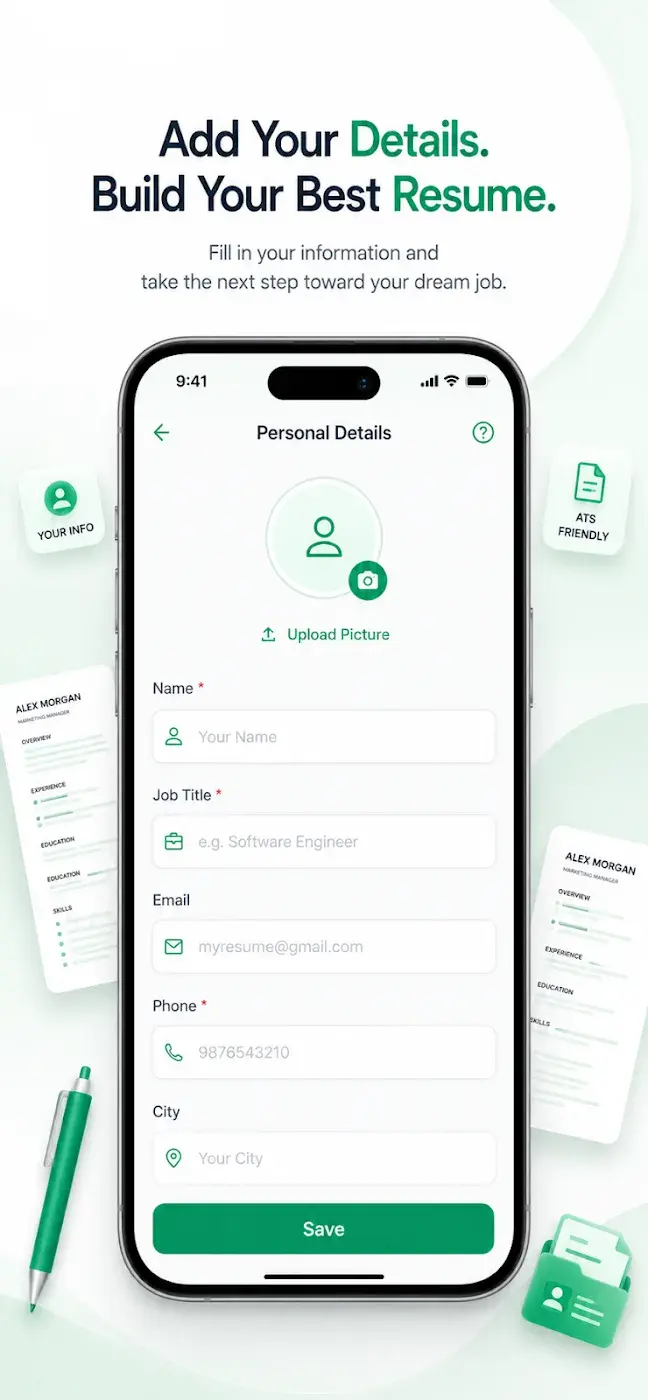
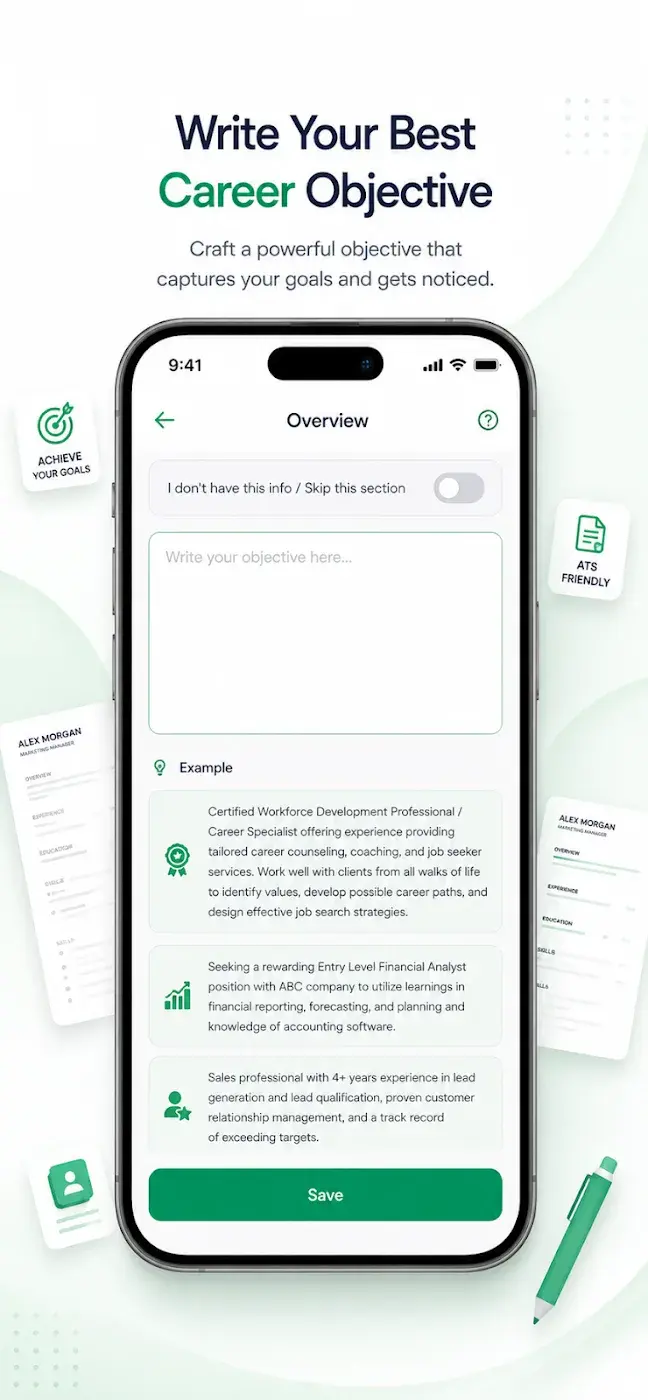
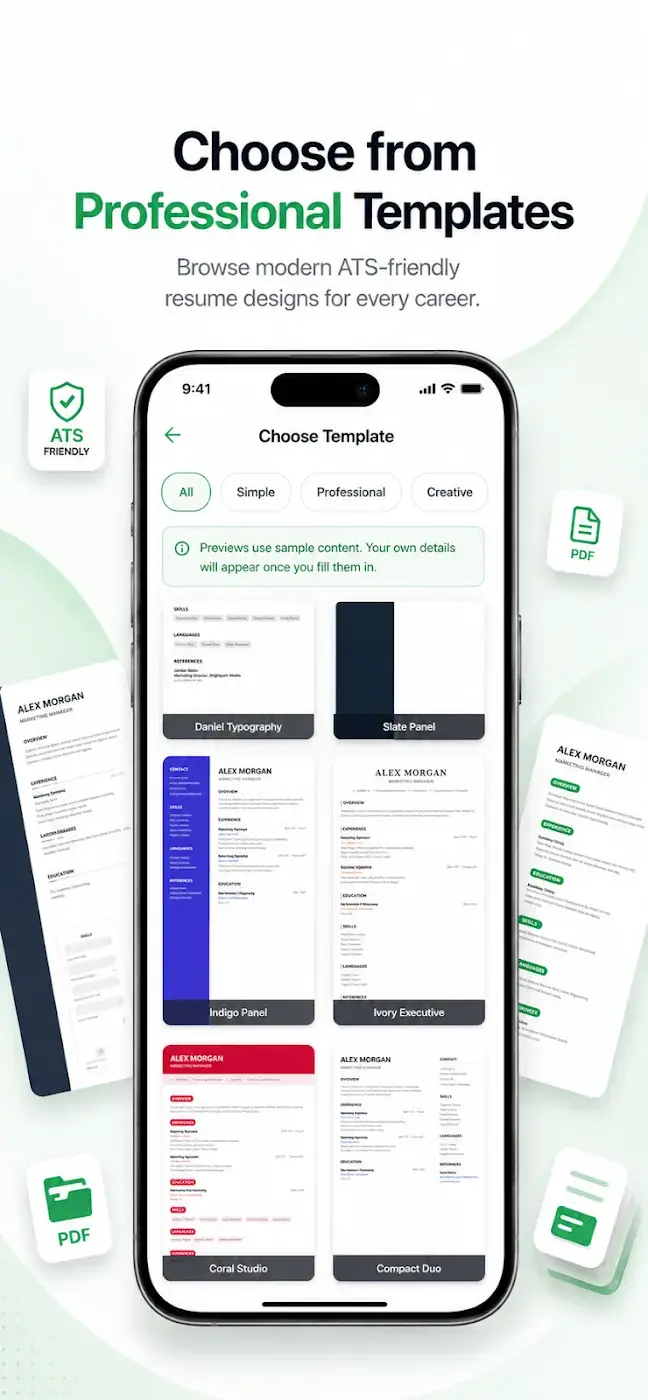
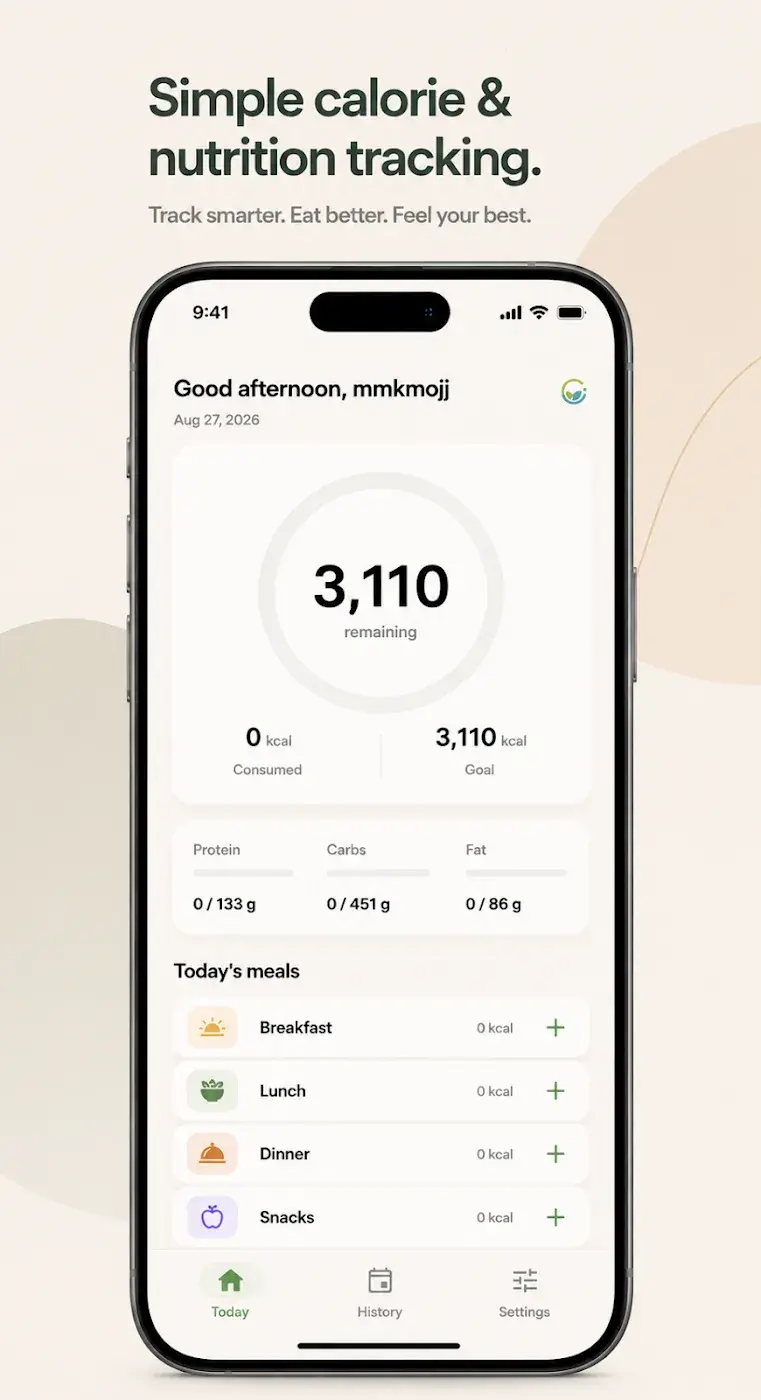
Every screen designed in your brand, for small phones and large ones, in light and dark mode.
Design Systems
Colours, type, components and spacing defined once and reused everywhere, so the app stays consistent as it grows.
Accessibility
Readable text, strong contrast and touch targets large enough for every thumb.
Arabic & English
Interfaces designed for right-to-left as well as left-to-right, properly mirrored rather than translated as an afterthought.
UI/UX Design
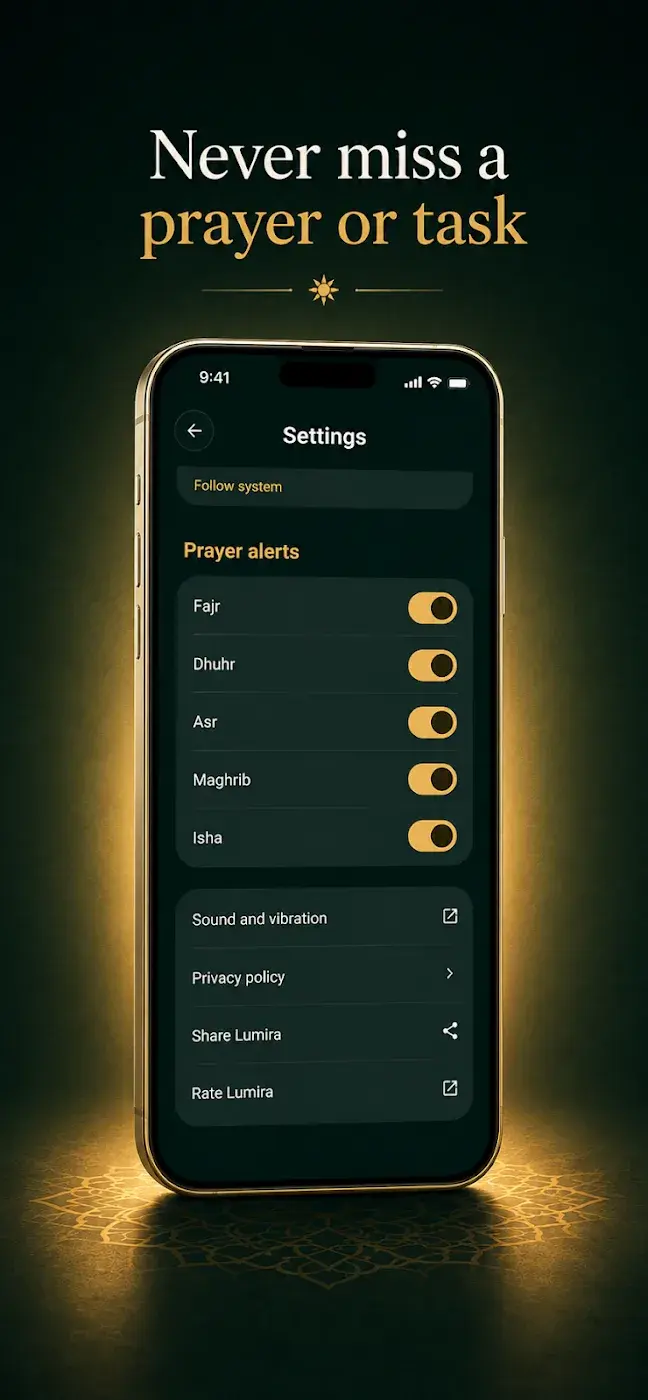
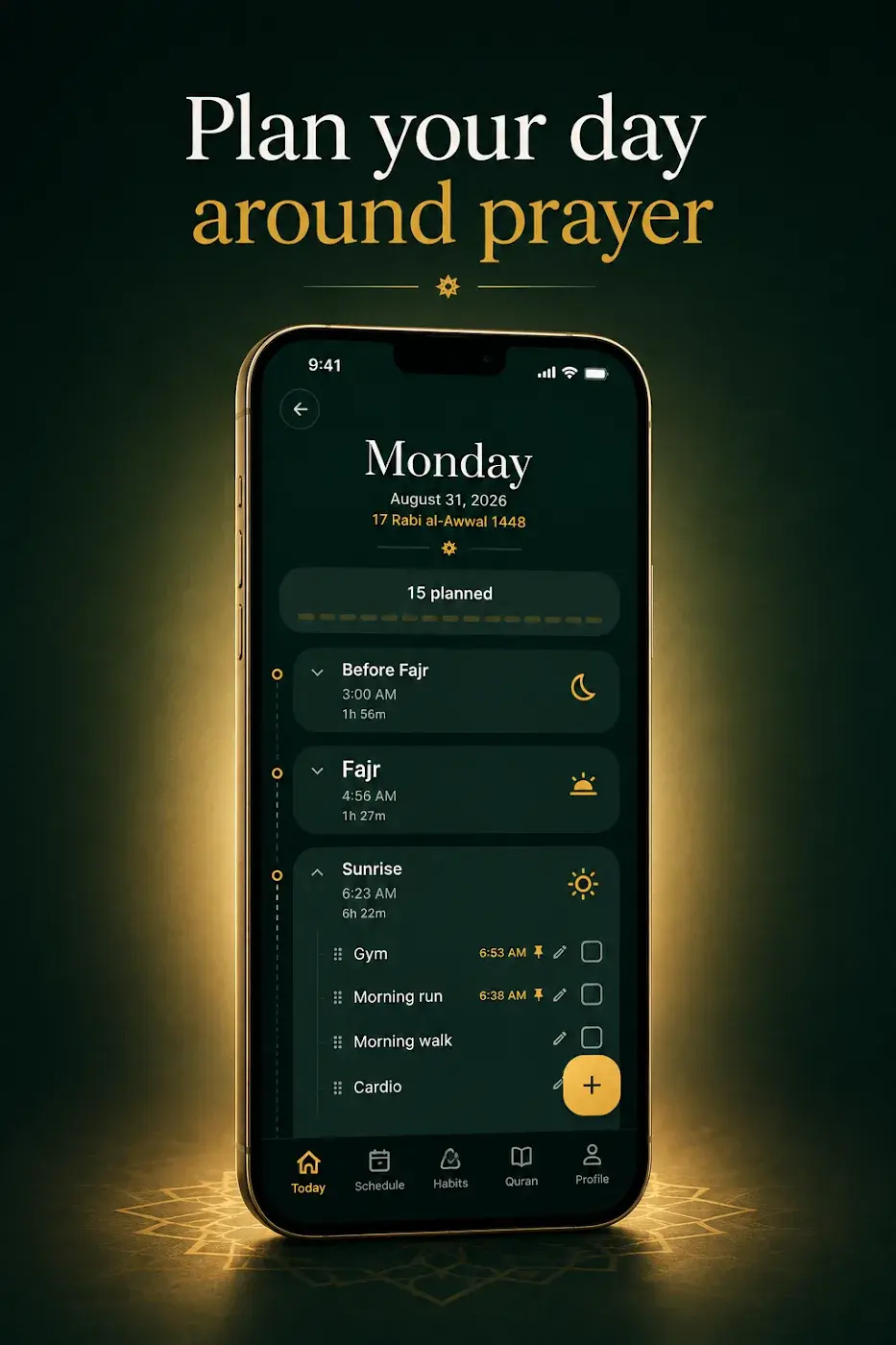
Recent Design Projects
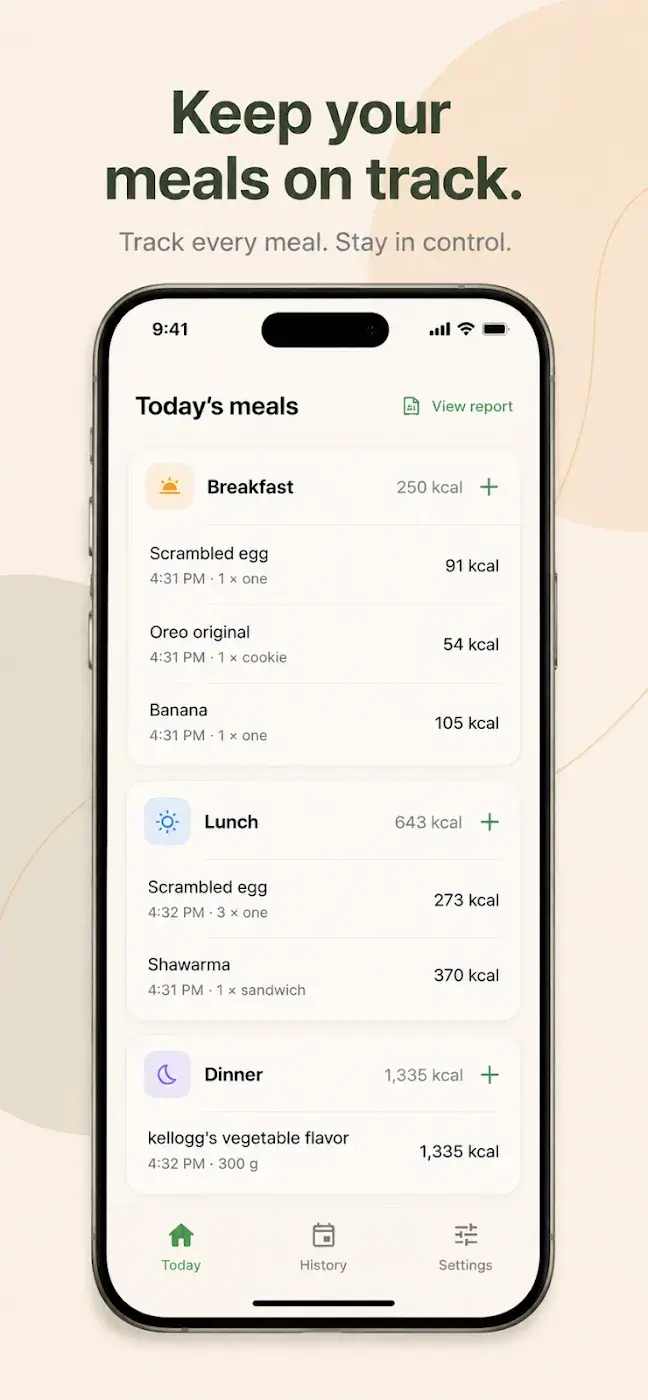
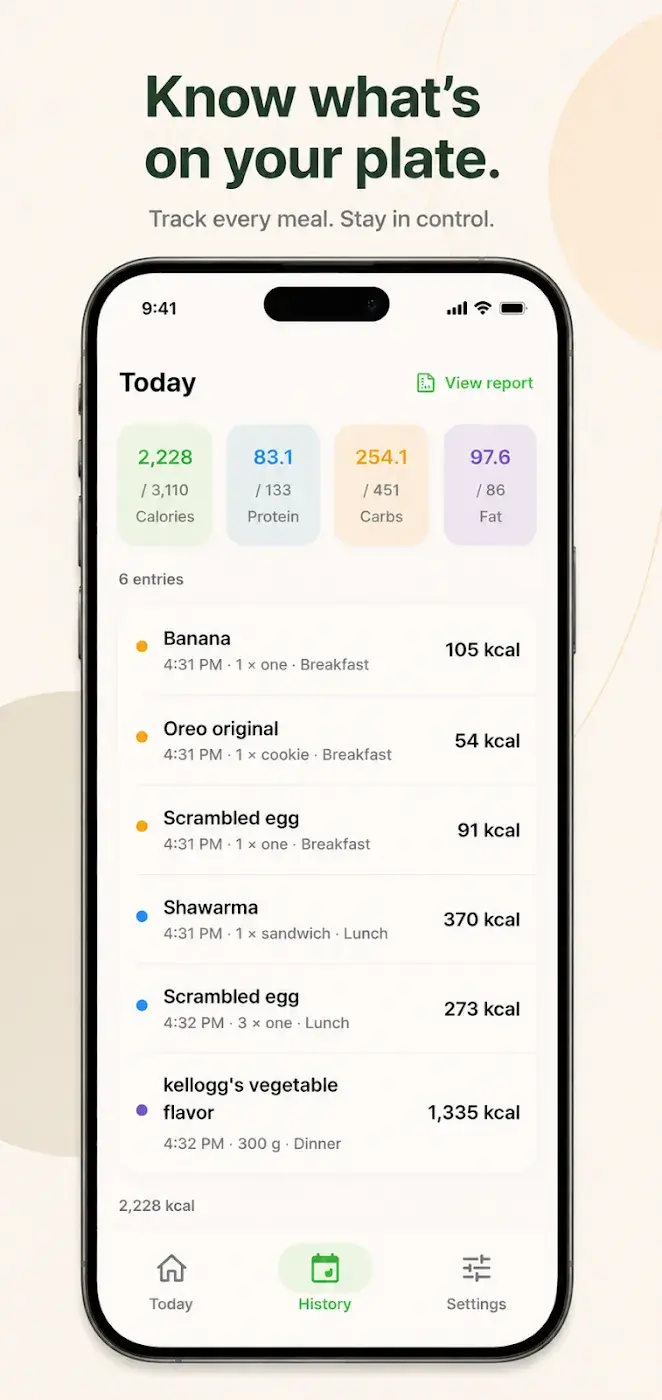
How we work
Our Process
Phase 1/6
Discover
We start with questions about your business, your market and your customers, before any talk of technology.
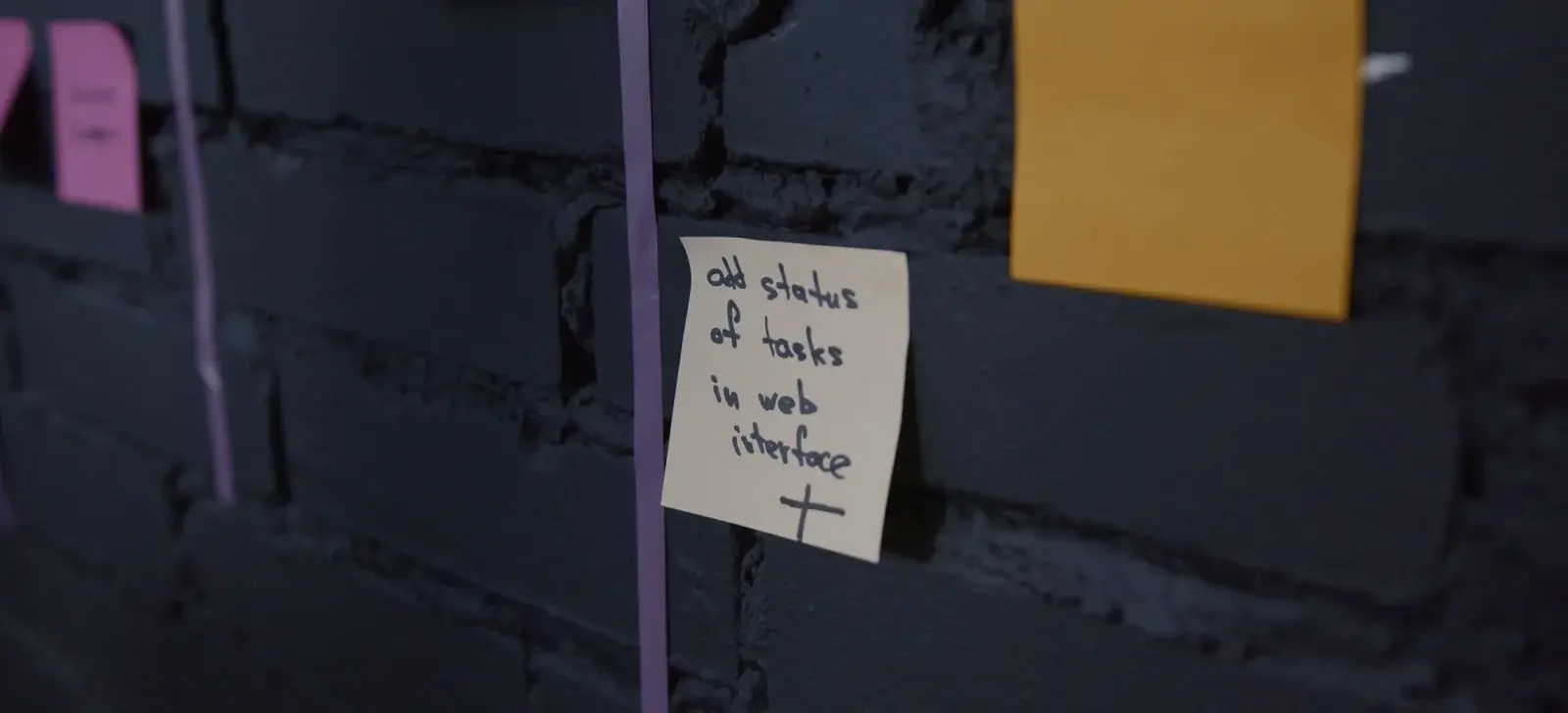
Discovery Phase 2/6
Plan
We agree what to build first, what can wait, and in what order.
Planning Phase 3/6
Design
We draw the screens and the look of the product, and go through them with you before coding.
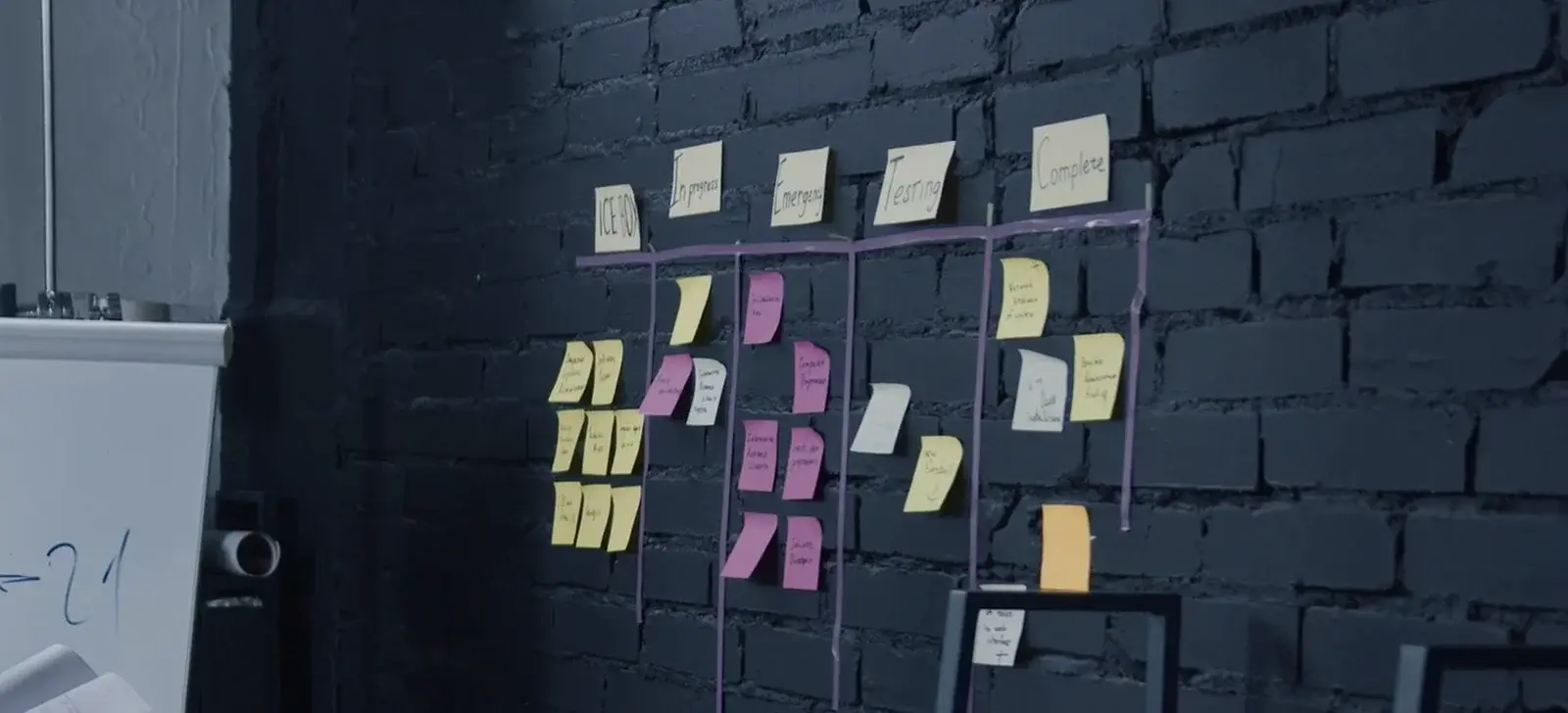
Design & Prototyping Phase 4/6
Build
We write the code carefully and keep you posted as it comes together.
Development Phase 5/6
Test
We test quality and performance before the app reaches your customers.

Testing Phase 6/6
Launch
We prepare the listings and publish the app under the developer account the agreement names.
Launch & Support
Our Services
Explore Our Other Services

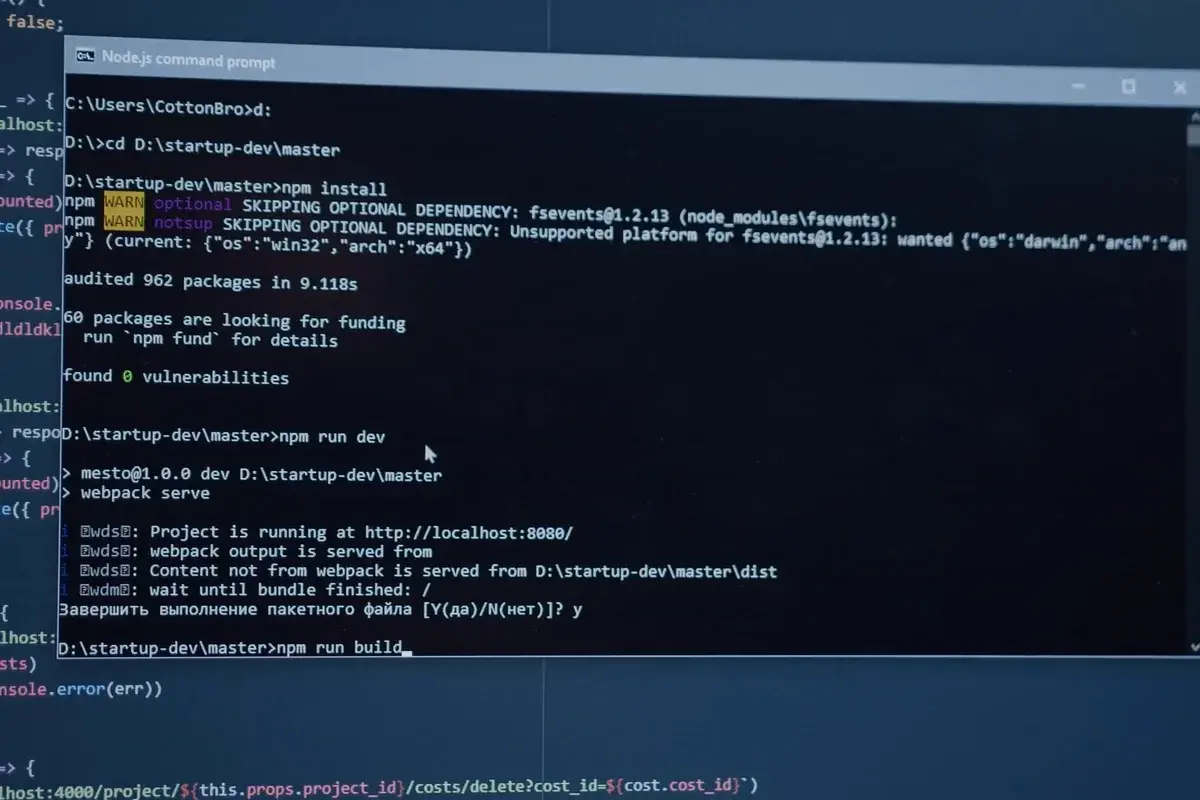
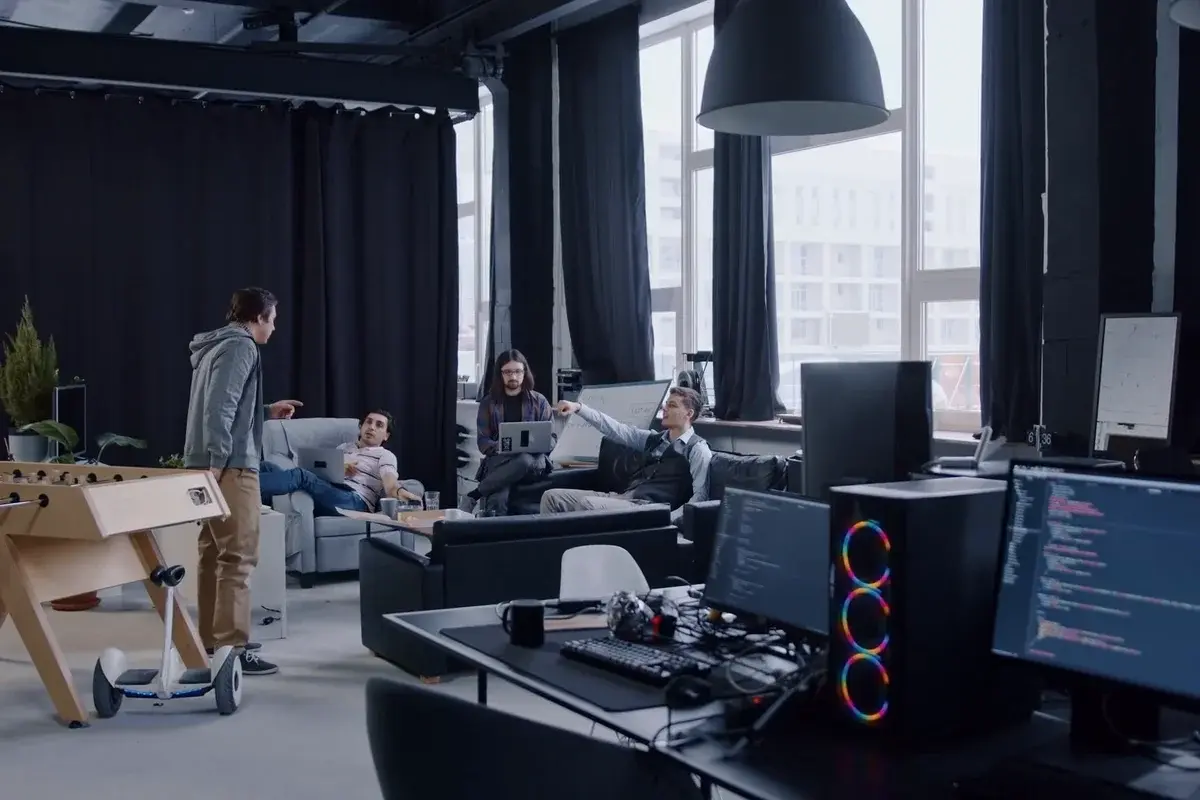
Design in Figma
Figma Specialists
Every design we make lives in Figma and is shared with you from the first wireframe. You can comment on any screen, follow the work as it progresses, and keep the files when the project ends.
Shared from Day One
You follow the work as it progresses and comment on the screens themselves, not on screenshots sent by email.
Try It First
The approved design becomes a prototype you can use on your phone before development starts.
Ready to Build
Measurements, assets and components are prepared for development, so nothing is left to guesswork when the app is built.
How can we
help you?
Yes. We can deliver the design on its own: the Figma files, the prototype and the design system, ready for any development team.
Did this answer your question?Feedback rounds are built into every phase, and we agree how many before we start, so the timeline and the price already allow for them.
Did this answer your question?
Have a project in mind?
Tell us about it on a free call, and we'll give you an honest plan and estimate.
Book a Call